Audiobook Home Studio Setup: How to Record Your Own Audiobook
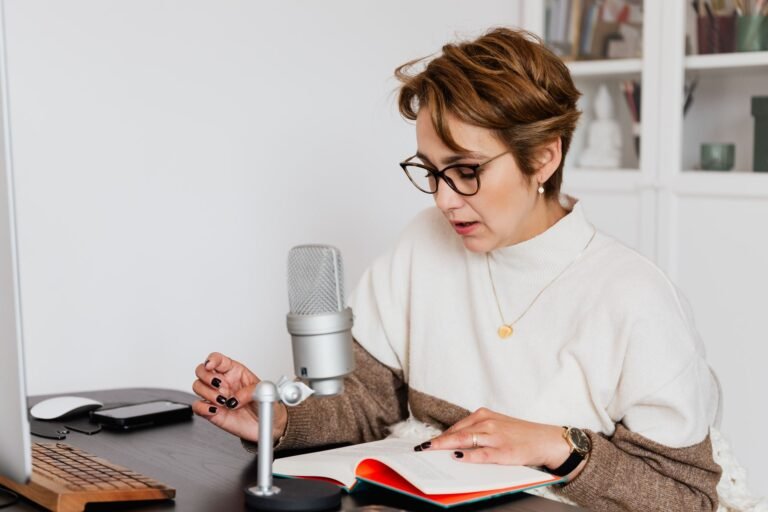
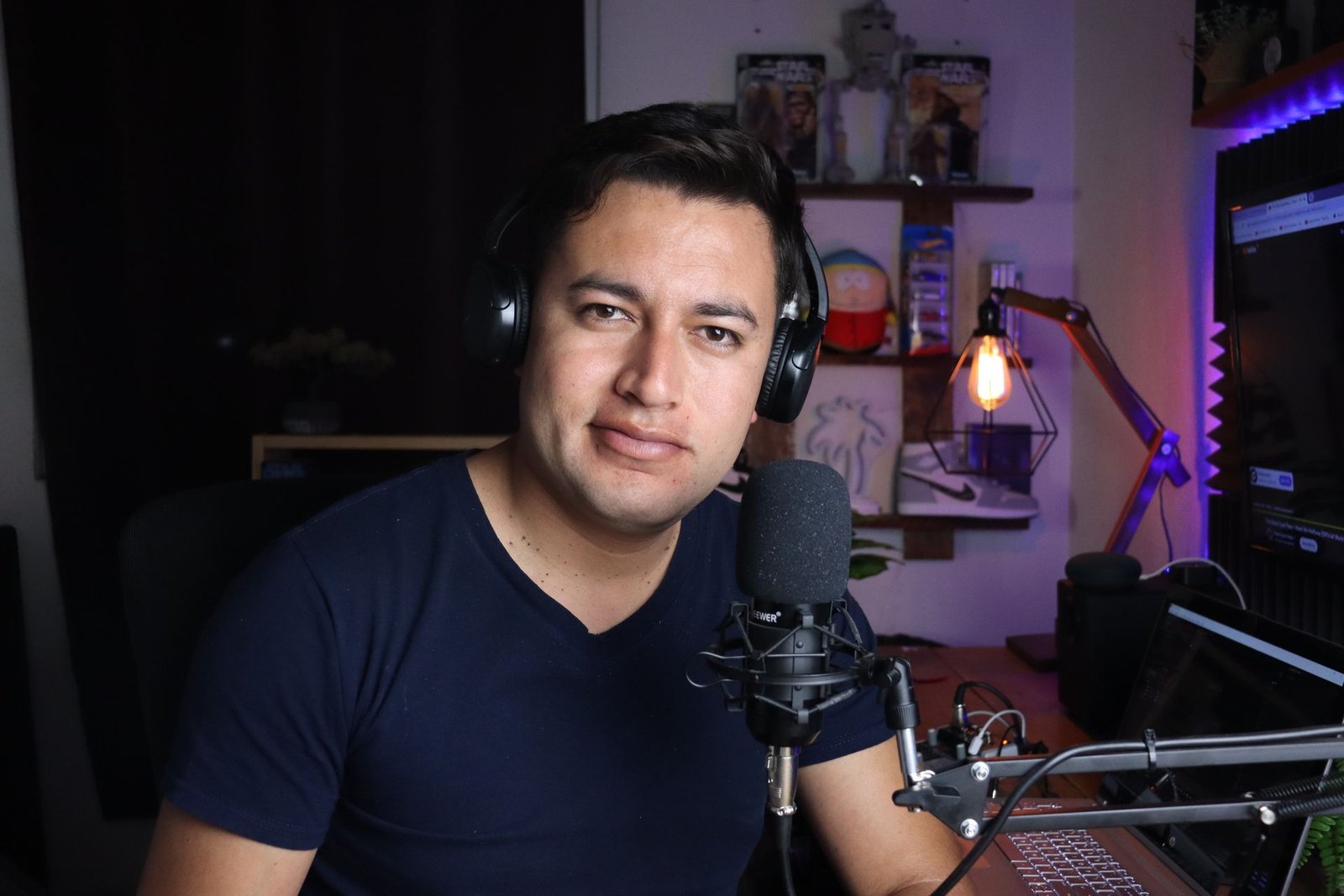
You don’t need a professional studio to record an audiobook that passes ACX. You need a quiet, soft space, decent gear and good habits. This guide covers the room, the equipment and the recording technique that make the biggest difference — and the quick test that tells you if your setup is ready.
The room matters more than the microphone
Most rejected self-recorded audiobooks fail because of the room, not the mic. Hard walls create echo, and household appliances raise the noise floor. Pick the quietest room you have and make it as soft as possible.
- A walk-in closet full of clothes is one of the best free vocal booths.
- Hang moving blankets or heavy duvets around and behind you.
- Put a rug on hard floors and keep away from bare windows.
- Turn off fans, AC, fridges nearby, and silence your phone and computer notifications.
- Record at the quietest time of day for your street.
Essential equipment
| Item | What to look for |
|---|---|
| Microphone | A large-diaphragm condenser for a treated room, or a dynamic mic for an untreated or noisy room |
| Audio interface | A simple 1–2 input USB interface if you use an XLR mic |
| Pop filter | Stops plosive pops on “p” and “b” sounds |
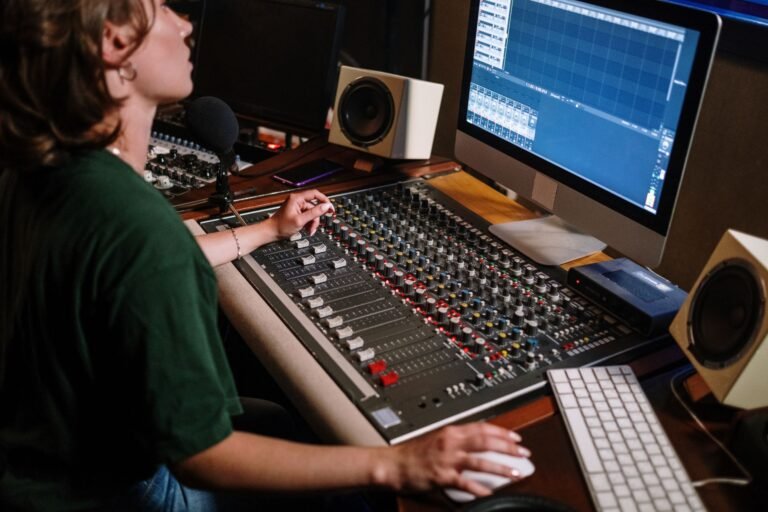
| Mic stand or arm | Keeps distance consistent between sessions |
| Closed-back headphones | So you can hear problems without the sound leaking into the mic |
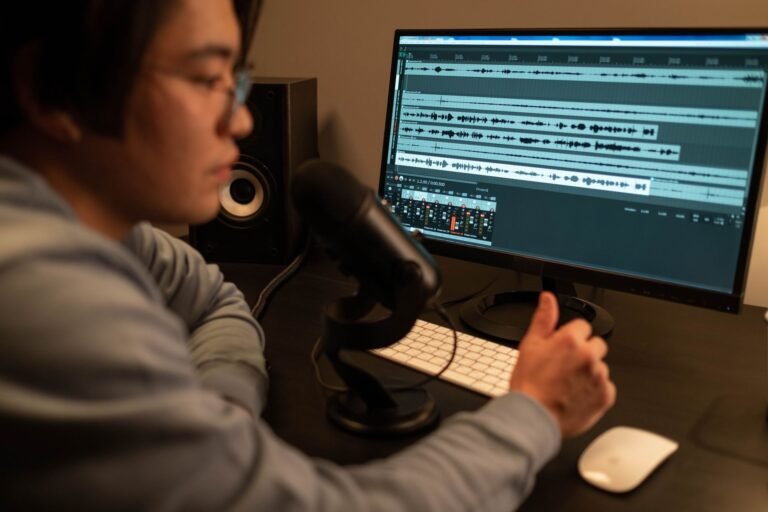
| Recording software | Audacity (free), Reaper, Adobe Audition or similar |
| Tablet or e-reader | Silent page turns — paper rustles |
A USB microphone can work well for a single narrator, but an XLR mic with an interface gives you more control and usually a lower noise floor.
Recording settings
- Record in WAV at 44.1 kHz or 48 kHz, 24-bit.
- Set input gain so your normal reading peaks around −12 to −10 dB.
- Turn off any automatic gain, noise suppression or effects in your software or interface.
- Record 30 seconds of room tone at the start of each session.
Microphone technique
- Stay about 15–20 cm (6–8 inches) from the mic, slightly off-axis to reduce pops.
- Mark your chair and mic position so every session sounds the same.
- Keep water nearby and avoid dairy and coffee right before recording to reduce mouth noise.
- Record in 1–2 hour sessions to keep your voice fresh and consistent.
Punch-and-roll vs open recording
With punch-and-roll, you stop on a mistake, roll back a few seconds, and re-record from there — the edit is done as you go. With open recording, you keep going and simply re-read the line, leaving the clean-up to the editor. Punch-and-roll saves editing time; open recording keeps your flow. Either works if you tell your editor which you used.
Test before you record the whole book
Record a 5-minute sample, then measure it against the ACX requirements. Pay special attention to the noise floor: if it is above −60 dB before any processing, fix the room before recording more. It is far easier to fix a room than to rescue a whole book in editing.
Common home recording problems
- Echo or “roomy” sound: add more soft material close around the mic.
- Hiss or hum: move away from computers and power supplies, check cables, lower gain.
- Level changes between days: mark mic distance and keep the same gain settings.
- Mouth clicks: stay hydrated; a green apple slice helps many narrators.
Once your chapters are recorded, our editors handle the clean-up, proofing and ACX mastering.
Want your audiobook ACX-ready without the guesswork?
Not sure your home setup is good enough? Send us a 5-minute test recording — we’ll check it, tell you what to fix, and return a free edited sample.