How to Make an Audiobook: A Step-by-Step Guide for Authors
Turning your book into an audiobook is easier than ever, and author-narrated audiobooks are more common every year. This guide walks you through the whole process, from deciding who narrates to uploading finished files to Audible, Apple Books and Spotify.
Step 1: Check your audio rights
If you self-published, you almost certainly own your audio rights. If a publisher released your book, check your contract — many traditional contracts include audio rights. You need the rights before you can sell an audiobook.
Step 2: Decide who will narrate
- Narrate it yourself: lowest cost and a personal connection with listeners. Works especially well for memoirs and non-fiction.
- Hire a narrator: best for fiction with many characters. Pay per finished hour or offer a royalty share on ACX.
- AI narration: available on some platforms, but many listeners still prefer human performances, and not every retailer accepts it.
Step 3: Prepare the script
Use your final, published text. Mark pronunciations for names and unusual words, decide how to read lists, tables and footnotes, and write short opening and closing credits (title, author, narrator, copyright).
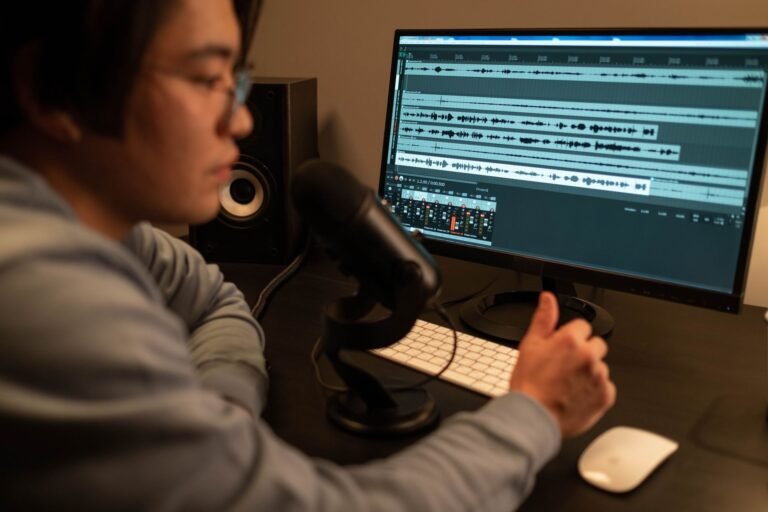
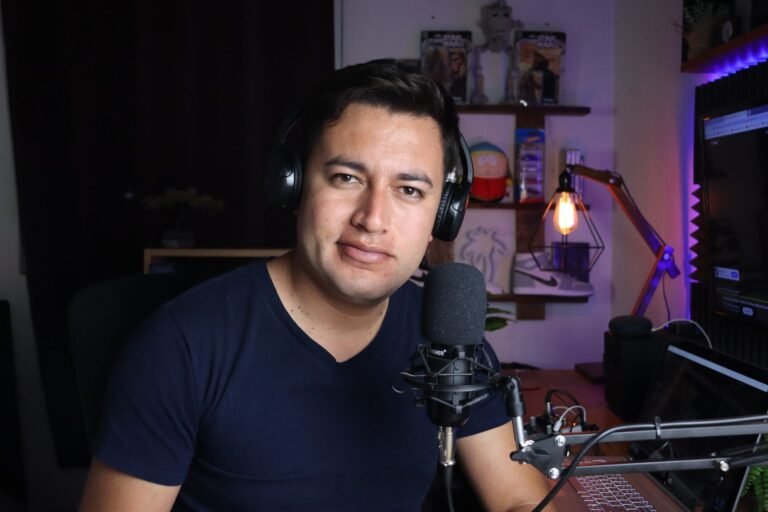
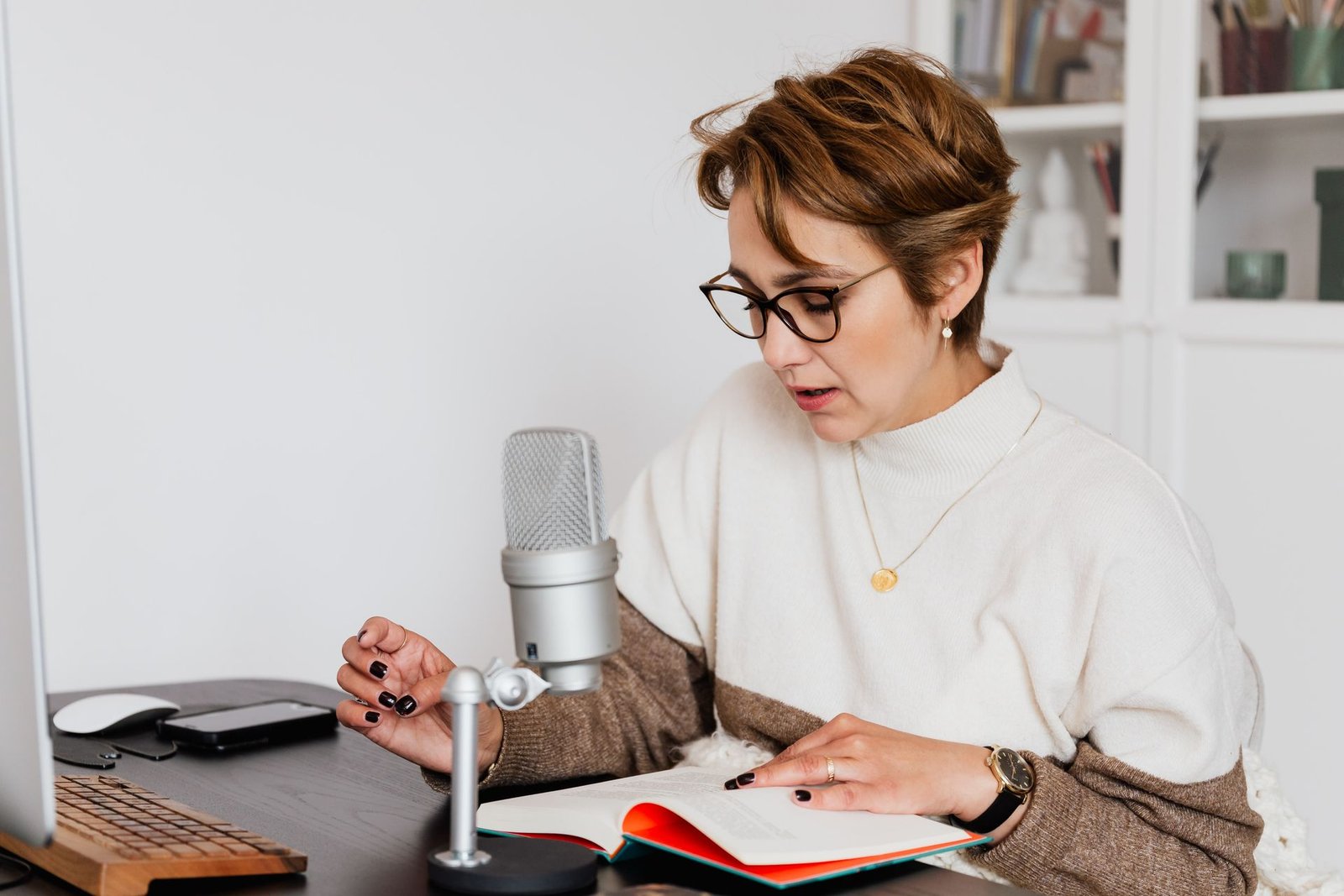
Step 4: Set up a simple home studio
- A quiet room with soft furnishings — a closet full of clothes works well.
- A good USB or XLR microphone with a pop filter.
- Closed-back headphones.
- Free recording software such as Audacity or Reaper.
- Record 30 seconds of silence (room tone) at the start of every session.
Before recording the whole book, record a 5-minute test and check it against the ACX audio requirements. Fixing your setup now saves hours later.
Step 5: Record the book
Record in short sessions of one to two hours, at the same time of day, with the same mic position. Most narrators use punch-and-roll: when you make a mistake, roll back a few seconds and re-record from there. Expect about 2 hours of recording for every finished hour.
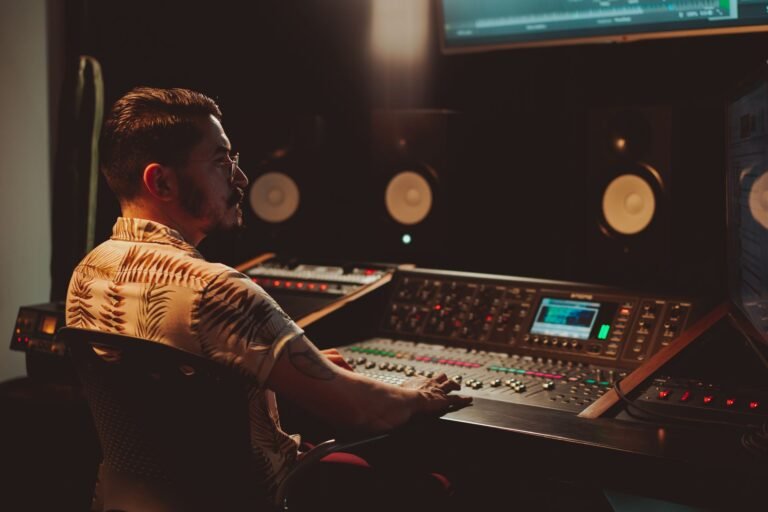
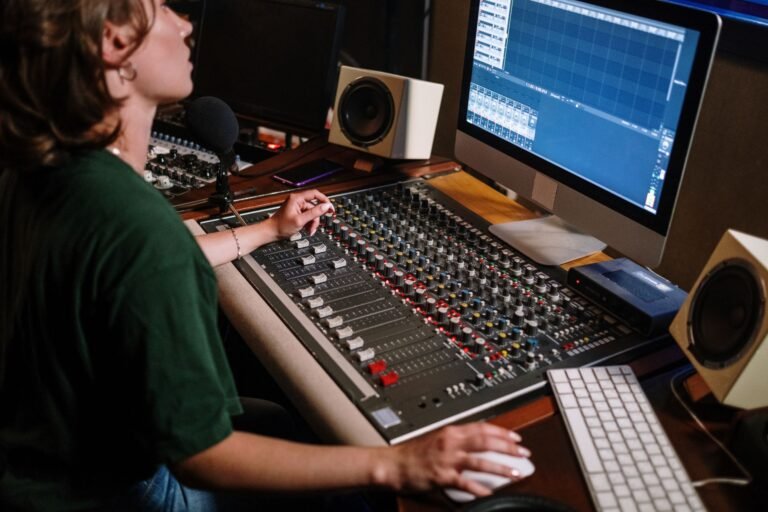
Step 6: Edit, proof and master
This is where raw recordings become a professional audiobook:
- Editing: remove mistakes, noises, long pauses and inconsistencies.
- Proofing: listen against the script to catch skipped or wrong words.
- Mastering: set loudness, peaks and noise floor to ACX specs and export the final files.
Post-production usually takes 3 to 6 hours per finished hour. Many authors record themselves and hand this step to a professional editor.
Step 7: Create your audiobook cover
Audiobook covers are square. ACX requires at least 2400 × 2400 pixels. Adapt your ebook cover rather than stretching it, and make sure the title and your name are readable at thumbnail size.
Step 8: Upload and distribute
- ACX: distributes to Audible, Amazon and Apple Books. Choose exclusive (higher royalty) or non-exclusive.
- Voices by INaudio (formerly Findaway Voices): wide distribution to dozens of retailers and libraries.
- Spotify for Authors and Google Play Books: upload directly for wider reach.
Review times vary from a few days to a few weeks. If a file is rejected for technical reasons, it is usually the noise floor or loudness — both are fixed in mastering.
How long does it take to make an audiobook?
For an 8-hour book, plan on 2–3 weeks of recording in short sessions, 1–2 weeks of editing and mastering, and 1–3 weeks for retailer review.
Want your audiobook ACX-ready without the guesswork?
Recorded your audiobook and need it edited and mastered? Send us a five-minute sample — we’ll return it edited, mastered and ACX-checked, free.